
8 Ways CRM Automation Can Help You Stop Losing Potential Sales
A customer filled in your form on Tuesday afternoon. Somebody saw the notification, meant to reply, got pulled into something else, and remembered on Thursday.
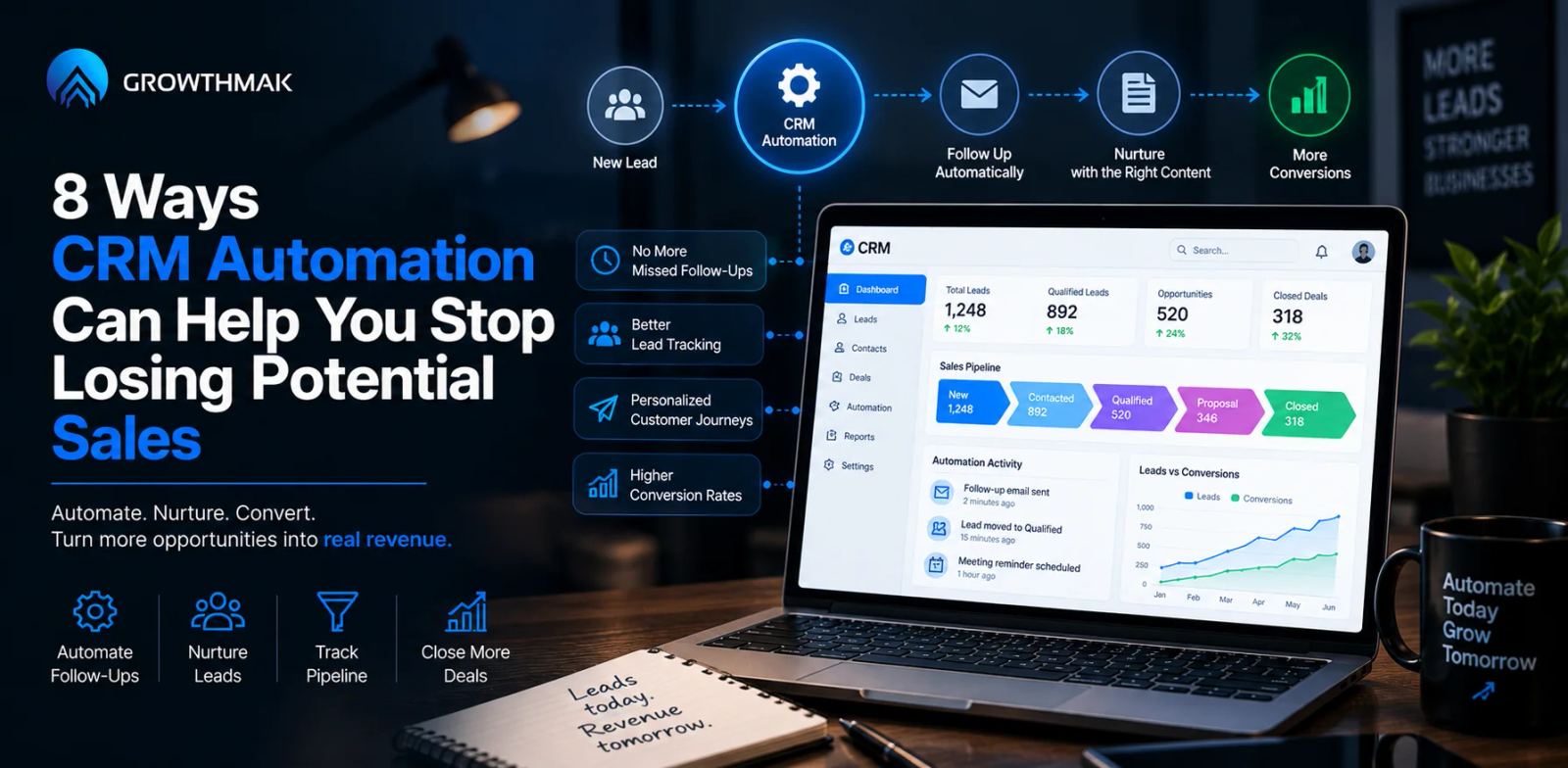
By then they had already spoken to two competitors and booked with one of them. Nothing about your service lost that sale. A two-day silence did.
This is what CRM automation exists to prevent, and it is the least glamorous growth work available. No new traffic, no new campaigns, just refusing to lose the leads you already have.
The frustrating part is that these losses leave almost no trace. A lead that never got called does not appear in any report as a lost deal.
Here is what usually goes wrong:
- Nobody replies while the enquiry is still fresh
- The lead sits unassigned because it was nobody's job
- One attempt gets made and then the record goes quiet
- The interested but not ready leads get discarded entirely
How Does CRM Automation Stop You Losing Sales
CRM automation stops lost sales by removing the human delay between an enquiry arriving and something happening about it. Most sales are not lost to a better competitor or a lower price. They are lost to a slow reply, an unassigned record, a single follow-up attempt, or a lead who was interested but not ready and then never heard from anyone again. Automation handles the timing, the routing, and the persistence, which are exactly the parts that fail first when a team gets busy. The exception is when the real problem is a shortage of demand, in which case faster follow-up simply reaches the same insufficient number of leads more quickly.
Where Sales Actually Get Lost
Most businesses can name their close rate and their lead volume. Very few can name how many enquiries never received a second contact attempt, which is where customer relationship management systems earn their value.
Delay causes far more losses than outright rejection does. A prospect who never got a reply does not tell you they went elsewhere, so the loss stays invisible and unexamined.
Manual processes also fail quietly under volume. A system where one person remembers to follow up works fine at ten leads a month and breaks silently at fifty.
That silent breakage is the point. Nothing alerts you when a process stops working, because the process was never anywhere except in somebody's head.
There is a rough test for this. If the person handling enquiries went on holiday tomorrow, would anything reach the leads arriving that week? A no means the process is a person rather than a system.
CRM automation converts that person into a system. The individual still handles the conversations, but the timing, the routing, and the reminders stop depending on their availability.
8 Ways CRM Automation Prevents Lost Sales
These eight are ordered roughly by how quickly they can be implemented and how much they typically recover.
Very few businesses need all eight running before seeing a difference. The first three usually account for most of the recovered revenue, and the remaining five compound slowly on top of that.
1. Instant Response to Every Enquiry
Response time is the single strongest factor in conversion that a business fully controls. It requires no better product, no lower price, and no additional traffic.
An automated acknowledgement that names the specific enquiry and states what happens next holds attention until a human can reply properly.
This runs at two in the morning and on public holidays, which is when a surprising share of enquiries arrive and nobody is watching the inbox.
- Name the specific service or product they enquired about
- State clearly when a real person will respond
- Give one alternative contact route for anyone in a hurry
A generic thank you for your enquiry message does very little here. The acknowledgement earns its value by proving that a real business received a real request from a real person, not merely by confirming that a web form submitted itself successfully.
2. Automatic Lead Routing
An unassigned lead is the easiest kind to lose, because responsibility for it belongs to nobody in particular.
Routing rules based on service type, location, or value remove the decision delay entirely. Effective CRM lead management means every enquiry has an owner within seconds of arriving.
- Assign by service type, territory, or deal size
- Include a fallback owner so nothing sits unassigned
- Escalate automatically if the first owner does not respond
The fallback owner matters more than the clever routing logic. Most unassigned leads happen because a rule had no answer for an unusual enquiry, not because the rules were badly designed.
3. Follow-Up That Continues Past the First Attempt
Most sales require several contact attempts. Most teams under pressure make one, mark the lead as unresponsive, and move on to fresher enquiries.
Automated lead follow-up sequences continue without depending on anyone remembering. The persistence becomes a property of the system rather than of an individual's discipline.
| Where the Lead Is Lost | What Usually Happens | The Automation That Closes It |
|---|---|---|
| Before any reply | Enquiry sits unread for hours or days | Instant acknowledgement on submission |
| Before assignment | Nobody owns the lead | Rule-based routing with a fallback owner |
| After one attempt | Marked unresponsive and abandoned | Multi-step follow-up sequence |
| Interested but not ready | Dropped from active pipeline | Long-term nurture track |
| Old and forgotten | Never contacted again | Scheduled reactivation campaigns |
4. No More Dropped or Duplicated Leads
Manual handoffs between forms, inboxes, and spreadsheets lose records and create duplicates in equal measure.
A single system of record prevents both. Two representatives contacting the same prospect separately damages credibility about as much as never contacting them at all.
- Send every enquiry source into one system rather than several inboxes
- Match on email or phone so repeat enquiries join the existing record
- Log every contact attempt against that record, not in personal notes
Duplicates usually appear when the same person enquires twice through different channels. Matching on contact details rather than on name catches most of these before anyone gets called twice.
5. Nurturing the Leads Who Are Not Ready Yet
A large share of enquiries are genuinely interested and genuinely not ready. They are researching, waiting on budget, or three months from needing anything.
Lead nurturing automation keeps you present until the timing changes, which is what turns a not yet into a yes later. Without it, those leads are effectively thrown away.
This overlaps with marketing automation and often shares the same underlying data, though the intent here is holding a specific relationship rather than running a campaign.
The trap is treating nurture as a newsletter. A monthly send about company news does very little, while a short sequence tied to what the person originally asked about does considerably more.
Set a review date on nurture leads rather than leaving them in the sequence indefinitely. Somebody who was three months away twelve months ago has either bought elsewhere or changed situation entirely.
6. Reactivating Old Leads Automatically
Most databases contain considerable forgotten opportunity. People who enquired eighteen months ago, went quiet, and were never contacted again.
Circumstances change. Budgets appear, previous suppliers disappoint, and projects restart, none of which anyone finds out about without asking.
Scheduled reactivation surfaces those contacts without anybody building lists by hand, which is why it almost never happens manually.
Keep the message honest about the gap. Acknowledging that it has been a while, and asking directly whether the need still exists, performs better than pretending the conversation never stopped.
7. Visibility Into Where Deals Stall
You cannot fix a stage you cannot see. Without pipeline reporting, a team knows deals are being lost but not consistently where.
Proper sales force management reporting shows the stage where deals consistently stop, which is usually far more specific and fixable than the general sense that closing has become harder.
- Track how long deals sit in each stage, not just how many are in it
- Look for the stage where the drop-off is steepest
- Compare stall points by lead source to spot quality differences
Time in stage is by far the more useful of those two numbers. A pipeline can look perfectly healthy on volume alone while most of those deals have not moved an inch in six weeks and are effectively already dead.
8. Removing the Admin That Crowds Out Selling
Manual data entry, calendar juggling, and status updates consume selling hours without producing anything a customer values.
Sales process automation returns those hours. More available selling time means more attempts per lead, which is the mechanism behind most of the improvement above.
- Auto-create records from form submissions rather than retyping them
- Use booking links instead of arranging times by email
- Trigger status updates from activity rather than manual entry
None of these feel significant when considered individually. Taken together they routinely recover several hours a week for every person on the team, which is roughly the difference between managing one follow-up attempt per lead and managing three.
Choosing What to Automate First
Attempting all eight simultaneously is the most common way these projects fail. Sequence matters more than ambition.
| Automation | Effort | Typical Recovery |
|---|---|---|
| Instant acknowledgement | Low | High, immediate effect |
| Lead routing rules | Low | High, prevents unassigned leads |
| Multi-step follow-up | Medium | High, recovers single-attempt losses |
| Nurture tracks | Medium | Moderate, pays back over months |
| Reactivation campaigns | Medium | Variable, depends on database size |
| Pipeline reporting | High | Indirect, enables better decisions |
Start with acknowledgement and routing. Both are quick, both prevent the most common losses, and both work regardless of how mature the rest of the purchase funnel is.
CRM workflow automation gets progressively harder as it moves further from the initial enquiry, which is a reason to build outward from that first moment rather than starting with reporting.
Get one automation working properly before adding the next. A single reliable rule beats six half-configured ones that nobody quite trusts and everyone works around manually.
What CRM Automation Cannot Fix
It cannot create demand that does not exist. Faster follow-up on an insufficient number of enquiries just reaches too few people more efficiently, which is a lead generation problem instead.
Automation also scales a bad process as readily as a good one. Business process automation applied to a broken sequence simply produces the same mistakes faster and at greater volume.
It cannot replace judgment in complex sales either. Automation handles timing, routing, and persistence. It does not handle the conversation where the actual decision gets made.
This is worth stating clearly, because teams that expect automation to close deals tend to abandon it when it does not. What it reliably does is make sure the conversation happens at all.
Final Thoughts
Most lost sales are lost to delay rather than to rejection, and delay is the part of the process most easily fixed without hiring anyone.
That verdict flips when enquiry volume is genuinely too low. In that case, the problem sits upstream and no amount of follow-up discipline compensates.
Check that first before investing in tooling. Counting how many enquiries arrived last month, and how many received a second contact attempt, usually settles the question in an afternoon.
Ready to Stop Losing Leads? Explore Growthmak
Growthmak works with businesses losing leads in the handoff between the website and whoever is supposed to follow up on them.
Plenty of teams buy CRM automation before fixing that handoff, which means the automation inherits a broken capture path and produces confident-looking reports about leads it never actually received.
When the leak sits in how forms capture and pass on enquiries, Growthmak's website development team can fix the capture path before any automation gets layered on top of it.
Book a 30-minute growth call with Growthmak, or get a growth audit for your website, to review how your enquiries move from form submission to a real conversation.
Frequently Asked Questions
CRM automation uses your customer relationship management system to handle repetitive lead steps without manual effort, covering acknowledgements, routing, follow-up sequences, reminders and record updates. It removes dependence on someone remembering at exactly the right moment.
Within minutes rather than hours, since connection rates fall sharply as time passes and prospects often contact several suppliers at once. Where a human reply is unrealistic, automated lead follow-up covers that gap immediately and holds attention.
More than most teams currently make, which is one. Closed sales often need several attempts across different channels. Automation handles the scheduling, so persistence stops depending on memory and becomes a property of the system.
Often with more impact than at larger companies, because small teams lose leads to limited capacity rather than to skill. Start with just two things: automated acknowledgement on every enquiry, plus one simple follow-up sequence.
CRM automation manages the sales process and individual records, handling lead routing, follow-up tasks and pipeline stages. Marketing automation manages campaigns and audiences at scale. The two overlap heavily and frequently share the same underlying data.
Only when the messages are generic and ignore what the person actually enquired about. Reference the specific request, keep messages short, and hand over to a human once they reply. Automate the punctuality, never the sincerity.
Basic routing and instant acknowledgement can run within days, since most systems support both with minimal configuration. Full pipeline automation takes considerably longer and depends heavily on data quality. A phased rollout beats one large project.
Instant acknowledgement of every enquiry and automatic lead routing, because these prevent the most expensive losses at the lowest cost. Add follow-up sequences next. Leave nurture tracks and pipeline reporting until the basics work reliably.
Usually not, since most current platforms include CRM workflow automation features that go largely unused. Messy data and undefined processes are the real obstacles, and migrating carries both into more expensive software. Fix the process first.
Written by Growthmak Team · B2B Growth Specialists
All blogs